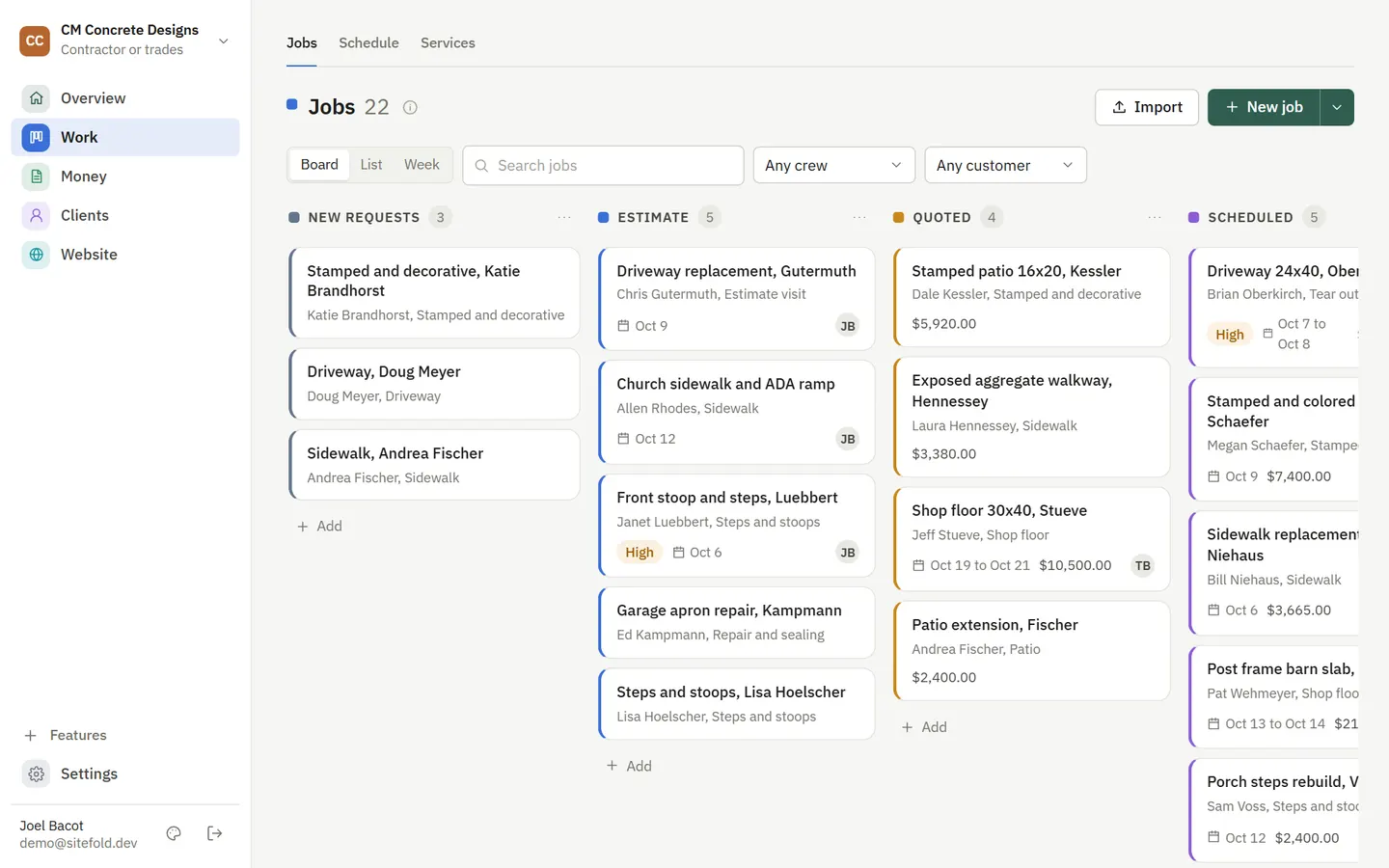
Open a job and everything about it is there: the quote, the visit, the crew, photos, notes and the invoice. A strip across the top shows what is done and what to do next.
How it works
- Track
Jobs move across your board from estimate to paid, and the board moves itself as paperwork goes out.
- Schedule
Put visits on a day, week or month calendar with crew lanes.
- Finish
Mark it done and the invoice is drafted for you.
What you get
- A board with your own stages, colored so you can scan it
- Day, week and month calendar with crew lanes
- Two way Google Calendar sync for each team member
- Job photos and notes, shared with the customer only when you choose
- A Needs you today list of what is waiting on you
- To-dos for you and your team, with due dates and repeats
Questions
Does it work on my phone?
Yes. The back office works in your phone browser, so you can check the day and update jobs from the truck.
See it with your business in it
7-day free trial, or a free mockup built from your real work.