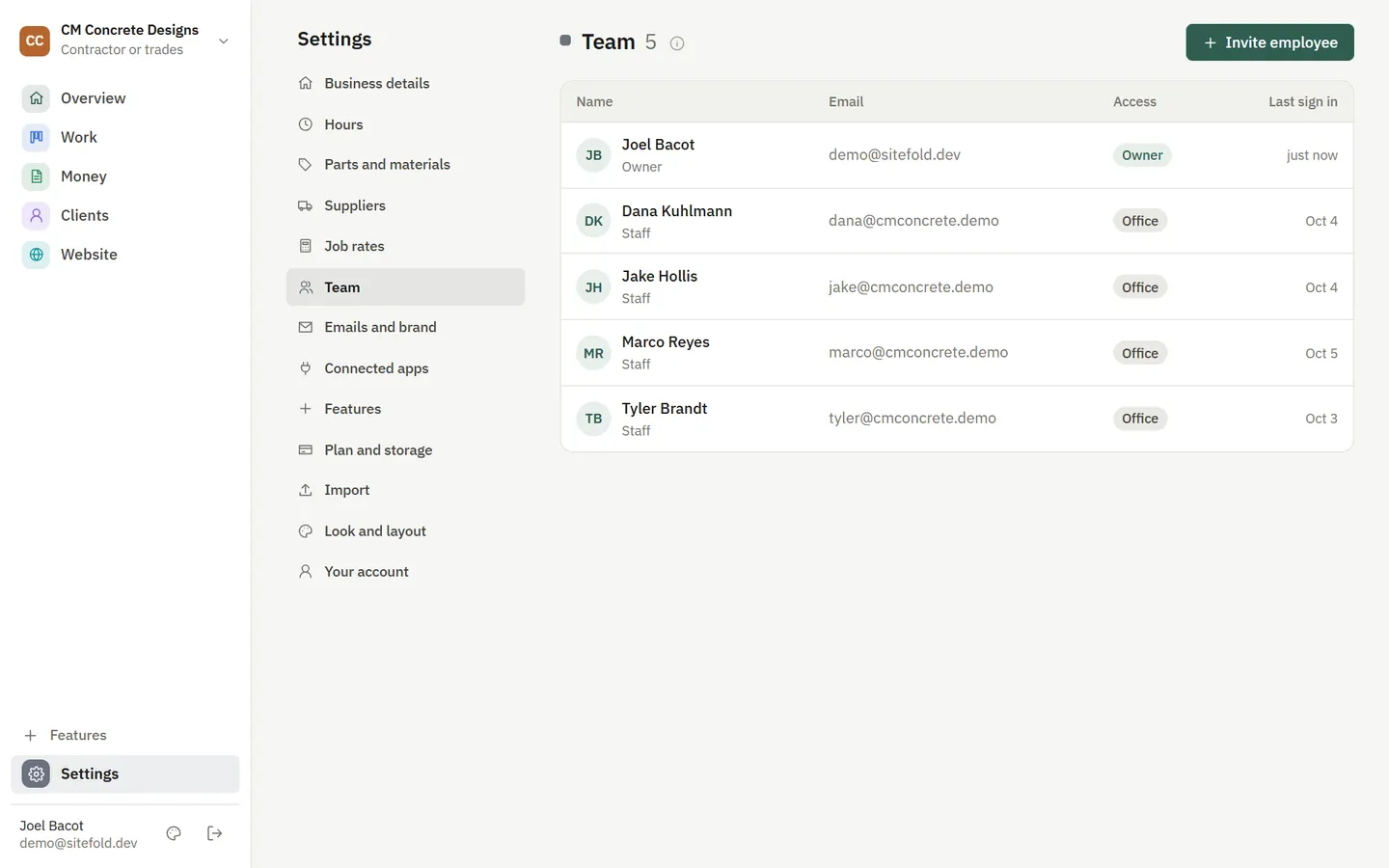
Invite your office manager and your crew. Each person gets the access that fits, so a crew member sees their schedule and jobs while prices and payments stay with you.
How it works
- Invite
Send an invite by email.
- Set access
Start from a preset and adjust what each person can see and change.
- Assign
Put people on jobs and calendar lanes.
What you get
- Presets for managers, office and crew
- Fine grained access per feature
- Crew lanes on the calendar
- Two step sign in for extra security
Questions
Do I pay per person?
Each plan includes a set number of people, and extra people are a small add-on.
See it with your business in it
7-day free trial, or a free mockup built from your real work.