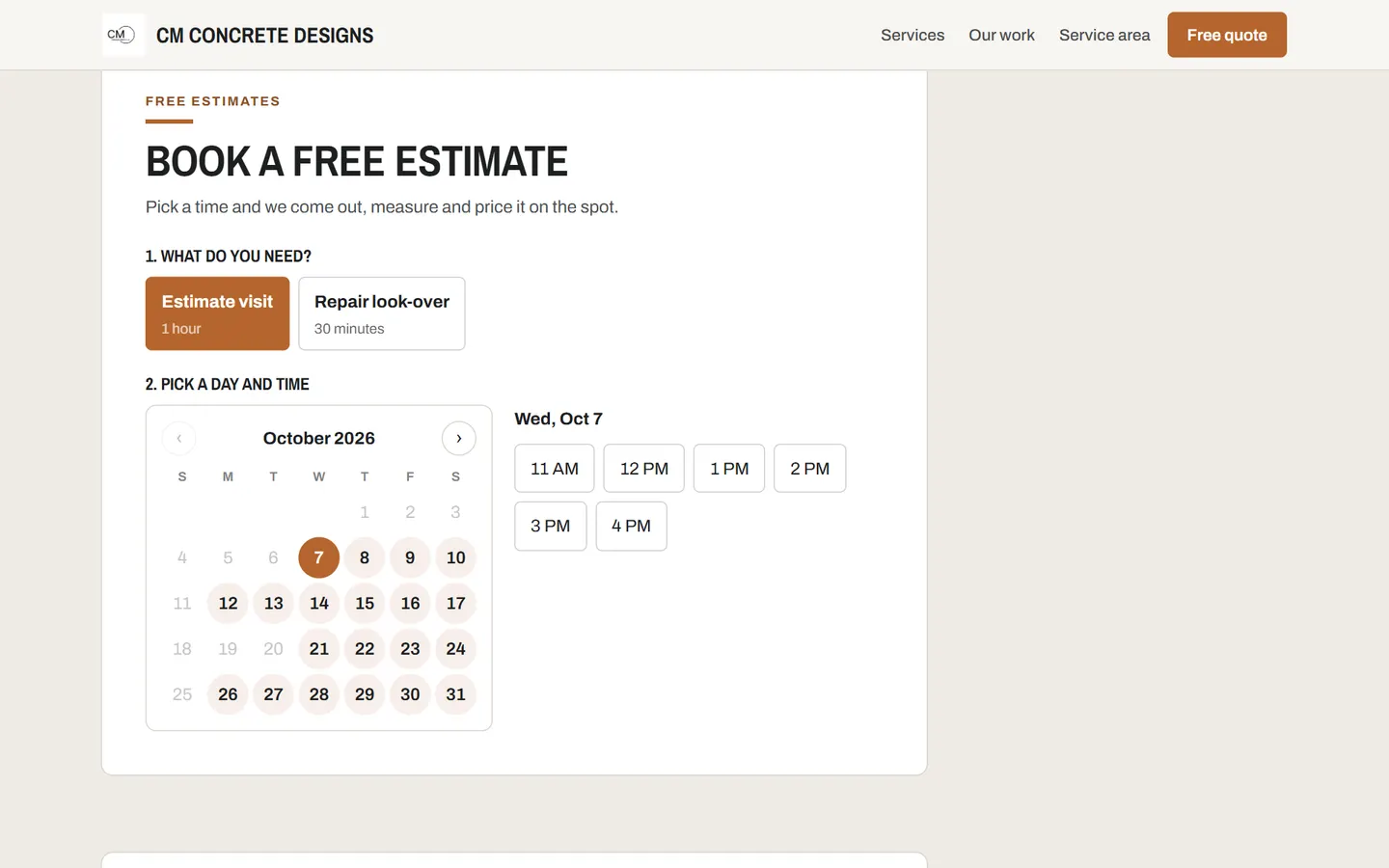
Customers pick a service and a day on a calendar. You choose how much to promise: they can request a time for you to confirm, or book a real open time straight onto your schedule.
How it works
- Choose what can be booked
Give a service a length, like a one hour estimate or a 30 minute look-over.
- Choose how much to promise
Requests are the default. Turn on open times only when your schedule or linked calendar holds everything.
- Get the job
The booking becomes a client and a job on your board. The customer gets a confirmation with a link to move or cancel.
What you get
- A month calendar that only offers days you are open
- Request mode: customers ask for a morning, afternoon or evening and you confirm
- Open time mode: real slots from your hours minus your schedule and linked calendar
- Visits at their place or yours, with notice time, how far out and how many at once
- Confirmation emails with a link customers use to move or cancel on their own
- Google Calendar sync so a dentist appointment blocks the slot too
Questions
Can customers double book me?
Not in open time mode: each time is checked again the moment they book. In request mode nothing is promised until you confirm.
What if I do not keep my whole schedule in one place?
Leave it on requests. Customers suggest a day and part of the day, and you confirm the exact time.
See it with your business in it
7-day free trial, or a free mockup built from your real work.